Printer Security Risks: How One Unsecured Printer Becomes Your Weakest Link
One unsecured printer can leak credentials and pivot attackers across your network. Learn why 99% of enterprise printers sit at factory defaults, and how to fix it.
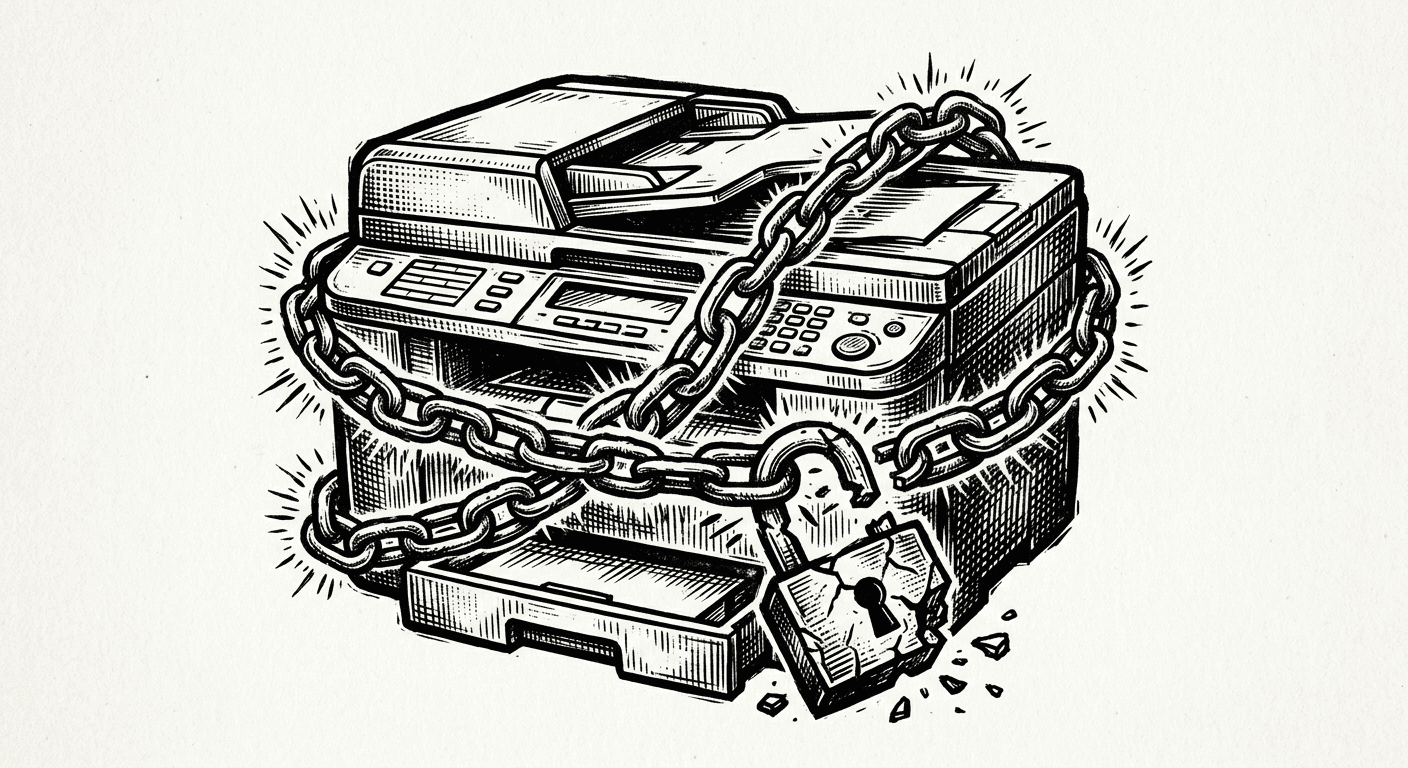
One Unsecured Printer, 11,000 Compromised Devices
About 20% of the endpoints inside a typical enterprise are printers. Roughly 99% of those sit at factory defaults, with the administrator password published online and most network ports wide open. Each one of those devices stores credentials for the email server, the file server, and the directory it has to talk to, often at administrator-level privilege.
That is the setup behind the breach Jim LaRoe described on Episode 94 of The Security Podcast of Silicon Valley. One organization with 11,000 networked devices got hacked through a single printer. The attacker did not need a zero day. They needed a forgotten endpoint with default credentials.
If you are responsible for an enterprise network and printer security is not on your roadmap, this article is for you.
Why Printers Are the Forgotten Endpoint
Printers grew up outside IT. For most of the last 40 years they sat under supply chain and procurement, alongside toner, paper, and break-fix contracts. The managed print service industry, which LaRoe estimates at $40 billion a year, sells cost reduction. Security has rarely been a line item.
That ownership gap matters. Information security teams know printers are on the network, but the budget and the procurement process do not flow through them. Vulnerability scanners like Rapid7 and Tenable can see a printer the same way they see a server, but the team that would have to remediate the findings often has no authority over the fleet.
The result: printers get bought, plugged in, and left alone. They are tier-one infrastructure in hospitals, where admissions, discharge, pharmacy, and labs all depend on them. They are also some of the least hardened devices on the network.
What an Attacker Gets From One Compromised Printer
Modern enterprise printers are not single-purpose appliances. They are full IoT devices with disparate operating systems, large hard drives, web servers, FTP, fax-over-IP, scan-to-email, and direct connections to mail servers, file shares, and directory services.
LaRoe describes the surface bluntly: a printer "receives, transmits, processes, and stores the most sensitive data of the enterprise." It is also a lateral movement engine. Stored on the device, often at factory defaults, you can find:
Saved SMTP credentials for the corporate mail server
File server credentials with write access to shared drives
LDAP or Active Directory credentials, sometimes at administrator level
Cached print jobs containing PHI, contracts, financials, and source documents
USB walk-up access that bypasses the network entirely
A red team working a printer is not phishing for foothold. They already have one. They are pivoting. The same kind of east-west exposure that makes perimeter security insufficient on its own shows up here in concrete form: once an attacker is on the printer, they are inside the trust boundary that other systems assume is safe.
The 11,000-Device Breach Is Not an Outlier
Public examples of printer-driven incidents go back at least a decade. Hacktivists once probed roughly 800,000 unprotected U.S. printers and used about 150,000 of them, mostly on university networks, to mass-print messages. Cyber News pulled a similar stunt against around 28,000 devices, printing out a guide on how to lock printers down.
LaRoe's point: that was 2015 reconnaissance and exploitation, before AI made automation cheap. The attack surface has not gotten smaller. Becker's Healthcare reports that cameras and printers are now the top two IoT endpoints getting hacked across healthcare systems. Most of those incidents never get a public root cause. The lawyers see to that.
If you operate a fleet today, plan for the version of this attack that does not make the news.
Why 99% of Enterprise Printers Sit at Factory Defaults
There are five durable reasons LaRoe surfaces in the conversation, all of which apply outside healthcare.
Reason | What it looks like in practice |
|---|---|
Ownership confusion | Procurement buys the printer, IT runs the network, IS owns risk. Nobody owns the device hardening. |
No security line item | Managed print contracts price for break-fix, toner, and uptime. Security work has no budget code. |
Disparate firmware | Each manufacturer ships its own OS, admin interface, and access model, so generic tools cover only part of the fleet. |
Reset-to-default behavior | When a technician services a printer, common practice is to reset it to factory. Hardening evaporates. |
Sparse CVEs | Printer vendors self-report vulnerabilities inconsistently, so vulnerability databases under-represent the real attack surface. |
The honest reading is that printer security is not a technology problem. It is an accountability problem with technical consequences.
How to Reduce Printer Risk Without a Big Budget
You do not need a new platform to make printers materially safer. You need a program. Five steps cover most of the risk.
Get an accurate inventory. Count the devices, identify make, model, firmware, location, and owner. Most fleets are off by 5-10% on day one.
Harden the admin interface on every device. Replace the default password, enforce a unique credential per device, lock down USB walk-up access, and disable unused services like FTP and Telnet.
Manage configuration drift. Establish a known-good profile per model, monitor for changes, and automatically remediate when a device drifts back to defaults after service.
Patch firmware on a schedule. Treat printer firmware the way you treat server patching, including end-of-life replacement for unsupported models.
Watch certificates and outbound traffic. Many printers phone home for vendor updates by default. Decide which of those calls you actually want, and block the rest.
This is the same baseline LaRoe runs at customer sites, including a fleet with 30,000 printers spread across a hospital system. It is also a useful sanity check on your existing IoT program: if you cannot answer step one for printers, you cannot answer it for cameras, badge readers, or sensors either. The same least-privilege thinking that applies to AI agents applies to a printer that holds an LDAP password.
Where Printer Security Fits in the Broader Risk Picture
For most organizations, printer security is not a flagship initiative. It is a quick win. The devices are already in scope for HIPAA, GDPR, CCPA, and PCI when they touch regulated data. The compensating controls are well understood. The cost of a meaningful program is small relative to the cost of a printer-borne breach.
The harder problem is putting an owner on the program. Until someone has explicit authority over the fleet, the authorization gap that drains other security efforts keeps printers parked at factory defaults. That ownership decision is usually what unblocks the rest.
Listen to the Episode
Jim LaRoe is the founder and CEO of Symphion, a Dallas-based firm that has been in business since 1999 and runs print fleet cybersecurity programs for organizations with up to 30,000 printers. He sat down with Jon McLachlan (co-founder of YSecurity and Cyberbase.ai) on Episode 94 of The Security Podcast of Silicon Valley.
The full conversation goes deeper into how Symphion got from a CMDB project for a Texas customer in 1999 into the print security space in 2015, what their seven-step cyber hygiene program looks like, and why the human pattern of resetting devices to factory after every service call is one of the hardest parts of the problem to fix.
Listen to the full episode for Jim's playbook on building a security program for the endpoint everybody owns and nobody secures.
Do printers really need security?
How do you secure a printer?
Can someone see what I printed on a printer?
Are office printers a real cyber risk?
Security as a growth engine, not a tax
Submit a Security Request
Meet the hosts